How to Automate Your Savings in 2026 (And Actually Keep the Money)
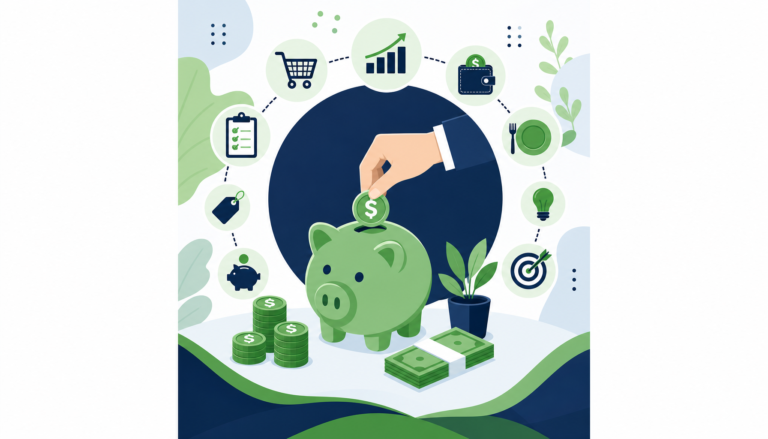
If you’ve ever told yourself you’ll save whatever’s “left over” at the end of the month, you already know how that story ends. Automating your savings flips the script entirely — you save first, spend second, and stop relying on willpower that always seems to run out by Thursday.
The good news is that setting up automatic savings in 2026 has never been easier. Between high-yield savings accounts, budgeting apps, and employer tools, you can build a real financial cushion without logging into your bank every week. This guide breaks down exactly how to do it, step by step, so your future self can stop stressing and start building.
Why Automating Your Savings Actually Works
Most people struggle to save not because they don’t want to, but because saving feels optional when the money is sitting in your checking account. Behavioral finance research consistently shows that when money is moved automatically before you can spend it, you adapt to living on what’s left — a concept called “paying yourself first.”
When savings happen manually, life gets in the way. A surprise dinner out, a new subscription, or just a slow week at work can derail even the best intentions. Automation removes the decision entirely. You set it up once, and the system does the work every single month whether you’re thinking about it or not.
This is especially powerful for people in their 20s and early 30s. Even small automated transfers — say, $50 or $75 a week — compound dramatically over time. Saving $75 per week automatically starting at age 25 adds up to nearly $4,000 a year, before you even factor in interest.
Step 1: Get Clear on Your Numbers First
Before you automate anything, you need to know two things: what’s coming in and what’s going out. You don’t need a complicated spreadsheet — a basic overview will do.
Start by looking at your last two to three months of bank statements. Note your average monthly take-home pay, your fixed expenses (rent, subscriptions, loan payments), and roughly how much you spend on food, going out, and other variable costs.
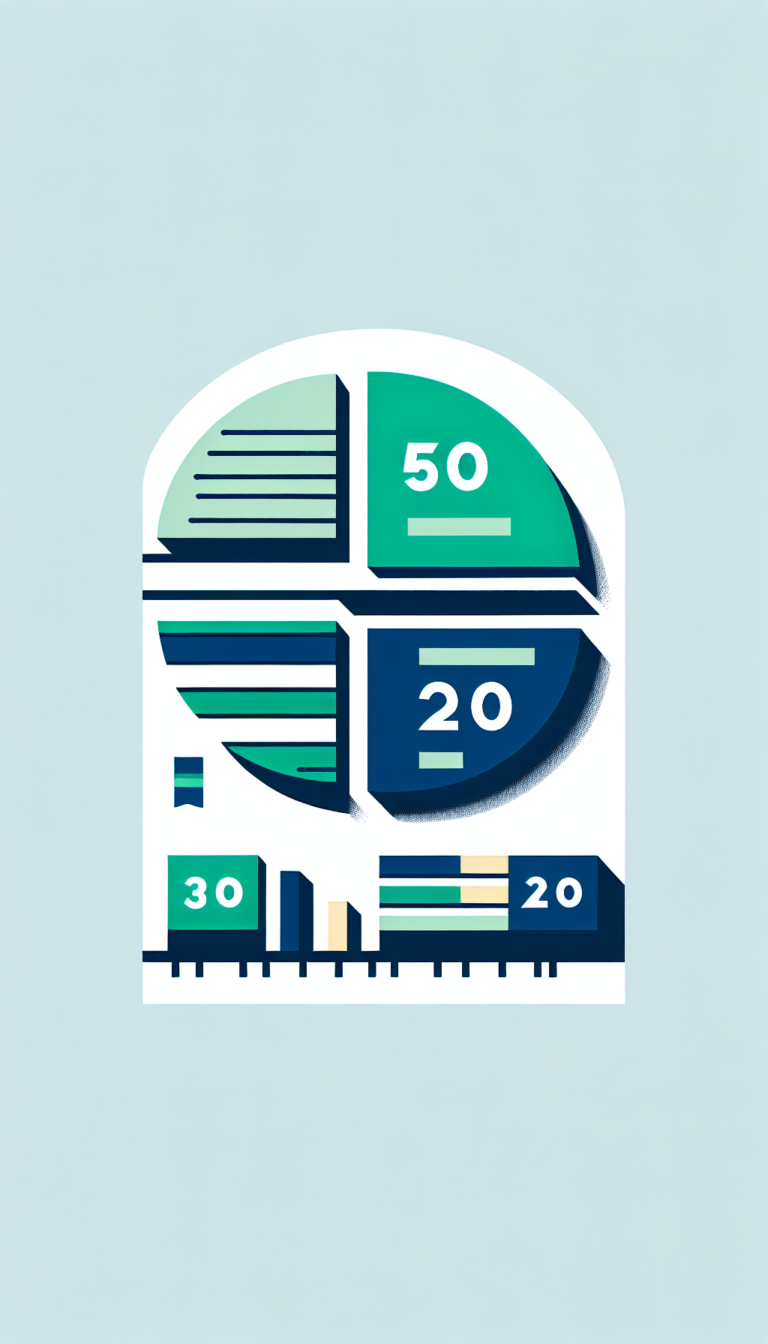
Once you have that snapshot, identify a realistic savings number. Financial experts often recommend the 50/30/20 rule — 50% of your income on needs, 30% on wants, and 20% on savings. But honestly, if 20% feels impossible right now, even 5–10% automated is better than zero percent manual.
The goal at this stage isn’t perfection. It’s finding a number you can commit to without constantly overdrafting your account, which would defeat the whole purpose.
Step 2: Open a Separate Savings Account
This step is non-negotiable. Keeping your savings in the same account as your spending money is like putting your leftovers in a bowl with no lid — they disappear faster than you expect.
Open a dedicated savings account, ideally a high-yield savings account (HYSA). In 2026, many online banks are still offering competitive APYs well above what traditional brick-and-mortar banks offer, which means your money earns more just by sitting there.
Look for accounts with:
- No monthly fees
- No minimum balance requirements
- A solid APY (annual percentage yield)
- Easy transfer options linked to your checking account
Some popular options include SoFi, Ally, and Marcus by Goldman Sachs. When your savings live somewhere separate — and ideally slightly inconvenient to access — you’re far less likely to dip into them on a whim.
Step 3: Set Up Automatic Transfers
Now comes the actual automation part, and it’s simpler than most people think. You have a few options depending on your situation.
Option A: Through Your Bank
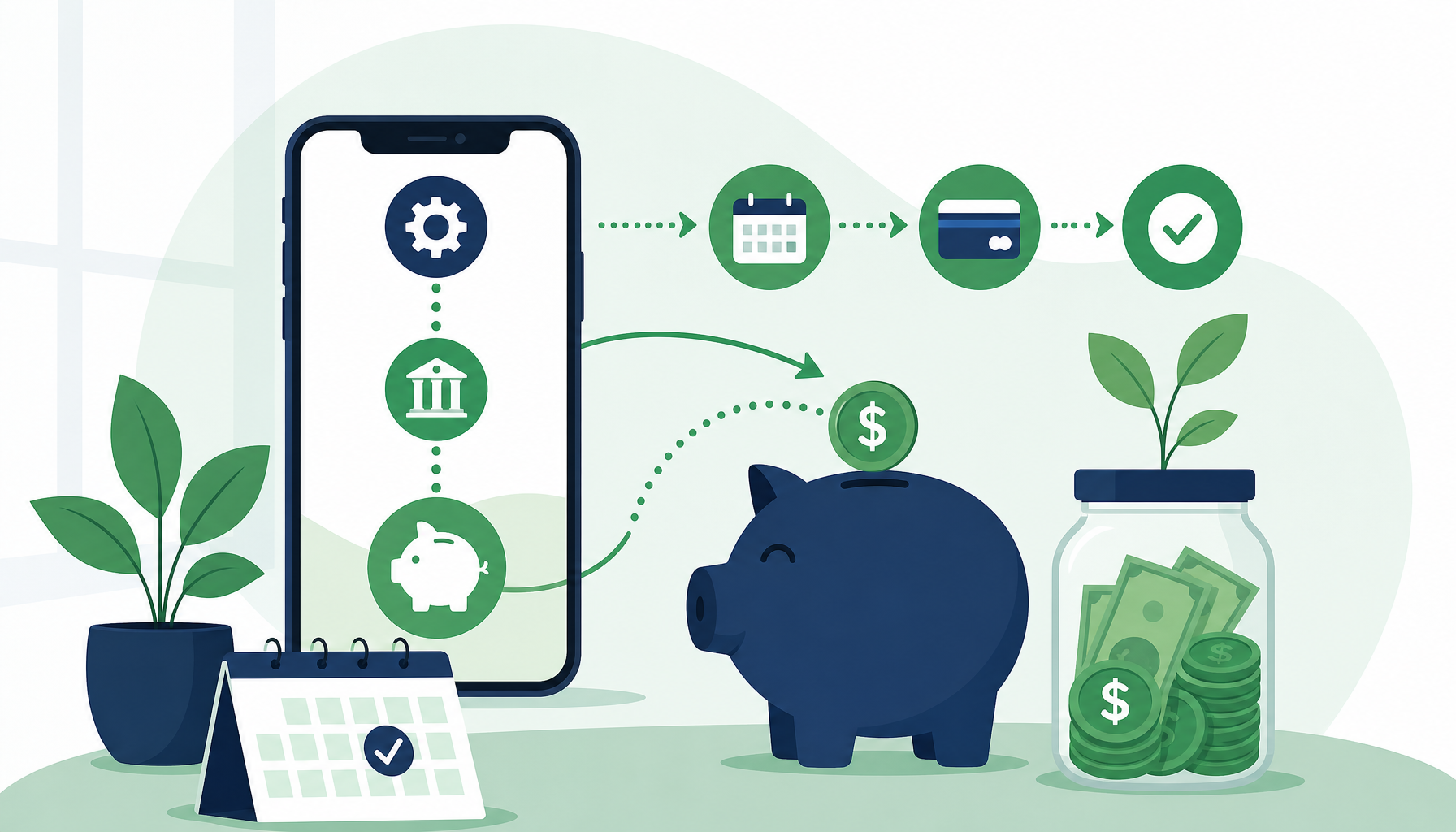
Most banks let you schedule recurring transfers directly from your checking to your savings account. Log into your online banking, navigate to transfers, and set a recurring transfer for the same day each month — ideally right after your paycheck lands.
Option B: Through Your Employer’s Payroll (If Available)
Some employers allow you to split your direct deposit between multiple accounts. If yours does, this is the most powerful option because the money never even touches your spending account. Check with your HR or payroll department to see if this is available.
Option C: Through a Savings or Budgeting App
Apps like Qapital, Digit, or even your bank’s built-in round-up feature can automatically move small amounts based on your spending patterns or preset rules. These are great for people who want to ease into saving without committing to a fixed amount upfront.
The most important thing is timing. Set your transfer for the day after payday. If you get paid on the 1st and 15th, schedule transfers on the 2nd and 16th. Out of sight, out of mind, into savings.
Step 4: Automate Your Emergency Fund First
Before you start stacking money into a vacation fund or investment account, make sure you’re building an emergency fund. This is your financial safety net — ideally three to six months of essential expenses — and it changes everything about how you handle unexpected costs.
Without an emergency fund, a flat tire or a medical bill sends you straight to a credit card. With one, it’s just an inconvenience you handle and move on from.
Automate a consistent amount toward your emergency fund until it’s fully funded. Start small if you have to. Even $25 per week adds up to $1,300 in a year. Once your emergency fund is solid, redirect that automated transfer toward your next goal — whether that’s a vacation, a car, or an investment account.
Step 5: Layer in Retirement Savings If You Haven’t Already
Once your basic savings automation is running, the next tier is retirement — and the earlier you start, the better. If your employer offers a 401(k) with a match, contributing at least enough to get the full match is essentially free money you should not be leaving on the table.
In 2026, the 401(k) contribution limit for employees under 50 is $23,500. You likely won’t hit that right away, and that’s fine. Start with whatever percentage gets you the full employer match, and increase it by 1% each year.
If you’re self-employed or your employer doesn’t offer a retirement plan, look into opening a Roth IRA. The 2026 Roth IRA contribution limit is $7,000 for individuals under 50. You can set up automatic monthly contributions directly through most brokerage platforms like Fidelity, Vanguard, or Schwab.
Retirement might feel abstract when you’re 24, but automating even small contributions now takes advantage of compound growth in a way that simply cannot be replicated if you wait until your 30s or 40s.
Step 6: Monitor, Adjust, and Don’t Set It and Forget It Completely
Automation handles the execution, but it doesn’t replace the need for occasional check-ins. Life changes — income goes up, expenses shift, goals evolve — and your automated savings should reflect that.
Set a reminder to review your savings setup every three to six months. Ask yourself:
- Did my income increase? Can I bump up my automated transfer?
- Am I still on track with my emergency fund goal?
- Do I have a new savings goal I should be automating toward?
- Are any of my bank accounts charging fees I didn’t notice?
This doesn’t need to be a major financial review session. Even 20–30 minutes every few months keeps you informed and in control without turning savings into a second job.
One tool that makes these check-ins easier is Credit Karma. It’s free and lets you monitor your credit score, track your financial accounts, and get personalized insights all in one place — useful when you’re managing multiple accounts as part of your savings strategy. It’s worth bookmarking if you haven’t already.
Conclusion
Automating your savings is one of the highest-impact, lowest-effort financial moves you can make in 2026. You’re not relying on motivation, memory, or discipline — you’re building a system that works whether you’re having a great month or a chaotic one.
Here’s your next step: before you close this tab, open your bank app and schedule one automatic transfer. Even if it’s just $20 or $50, do it today. Pick an amount that won’t hurt, set it to recur weekly or monthly, and let it run. Then revisit in three months and see what’s sitting in your savings account.
Small, consistent actions beat perfect plans that never get started. Start the automation now, adjust as you go, and let time do the heavy lifting.
Frequently Asked Questions
How much should I automate into savings each month?
It depends on your income and expenses, but a common starting point is 10–20% of your take-home pay. If that’s too much, even 5% automated consistently beats saving nothing. Start where you can and increase the amount as your income grows.
What’s the best account for automated savings?
A high-yield savings account (HYSA) is generally the best option for short-term savings goals and emergency funds. They’re FDIC insured, earn more interest than standard savings accounts, and are easy to link for automatic transfers.
Can I automate savings if I have irregular income?
Yes — it just requires a slightly different approach. Instead of a fixed monthly transfer, consider automating a percentage of each deposit rather than a flat dollar amount. Some apps like Qapital allow percentage-based rules, making it easier to scale with your income.
Will automating savings affect my credit score?
No. Moving money between your own bank accounts has no impact on your credit score. However, building an emergency fund through automated savings can indirectly protect your credit by reducing the need to rely on credit cards during financial emergencies.
What if I accidentally overdraft because of an automated transfer?
Set your transfer date to one to two days after your paycheck clears, not before. Most banks also allow you to pause or reschedule transfers if you know a tight month is coming. It’s also worth keeping a small buffer — even $100 to $200 — in your checking account to absorb any timing issues.